In This Article
Home Office Camera Setup for Under $200 — Look Professional on Video Calls Without Breaking the Bank
Photo by Ella Wei via Pexels
The average person is on 3-5 video calls a day in 2026, and most of them still look like they're in witness protection. Dark background, laptop webcam from a terrible angle, washed-out face. It doesn't have to be this way — and fixing it doesn't cost $1,000.
Here's exactly how to put together a setup that makes you look genuinely professional on Zoom, Teams or any video call platform for under $200 total.
The Three Things That Actually Matter
Before we get into specific products, understand this: lighting matters more than your camera. A $30 webcam in good light looks better than a $200 webcam in bad light. Every time. This is the most important thing I can tell you about video quality, and it's the thing most people get backwards.
In order of impact:
- 1. Lighting — the single biggest factor in how you look
- 2. Camera position — eye level or slightly above, never looking up at you
- 3. Camera quality — matters least if the first two are wrong
The $200 Setup Breakdown
| Item | Recommended | Approx. Cost |
|---|---|---|
| Key light | Elgato Key Light Mini or Neewer 10" ring light | $50–70 |
| Webcam | Logitech C920x or Insta360 Link 2 | $70–100 |
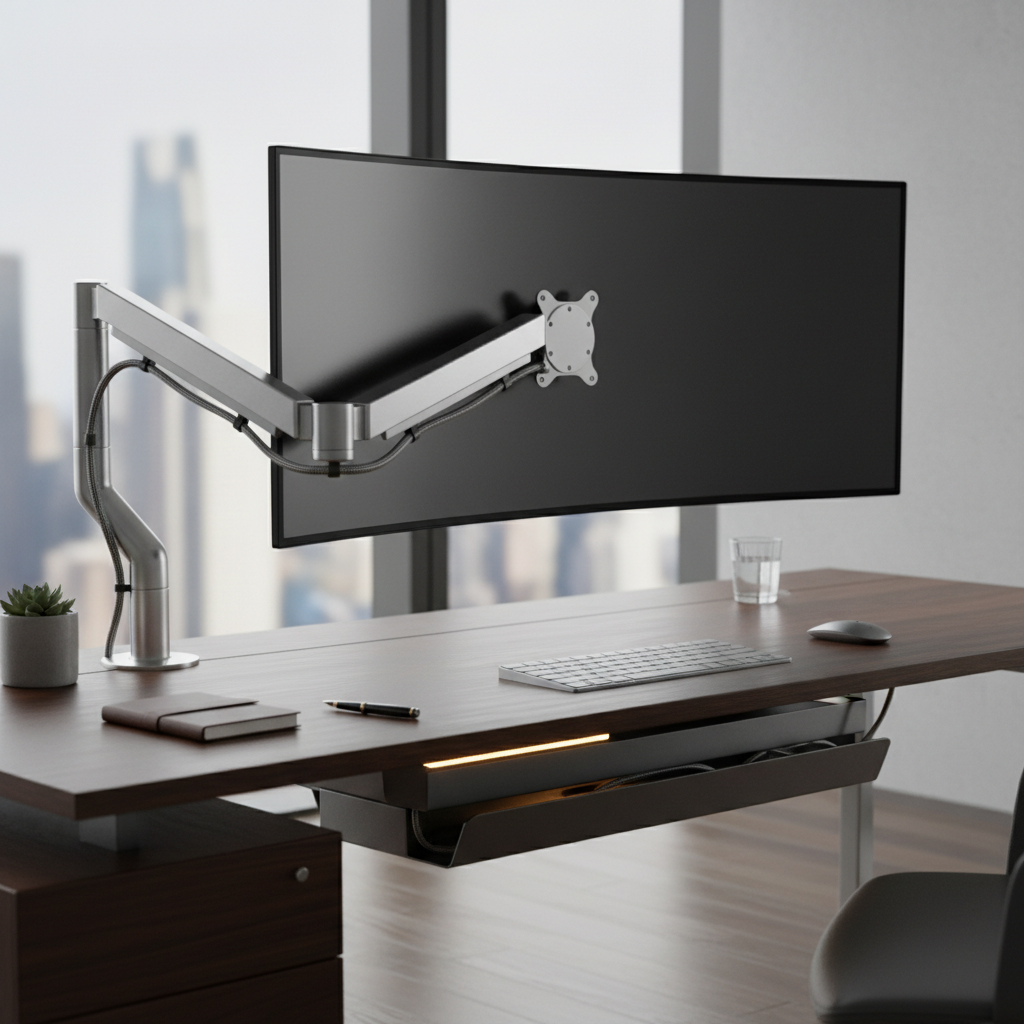
| Monitor arm / laptop stand | Any basic arm to get camera to eye level | $20–30 |
| Total | ~$140–200 |
Lighting — Where to Spend Your Money First
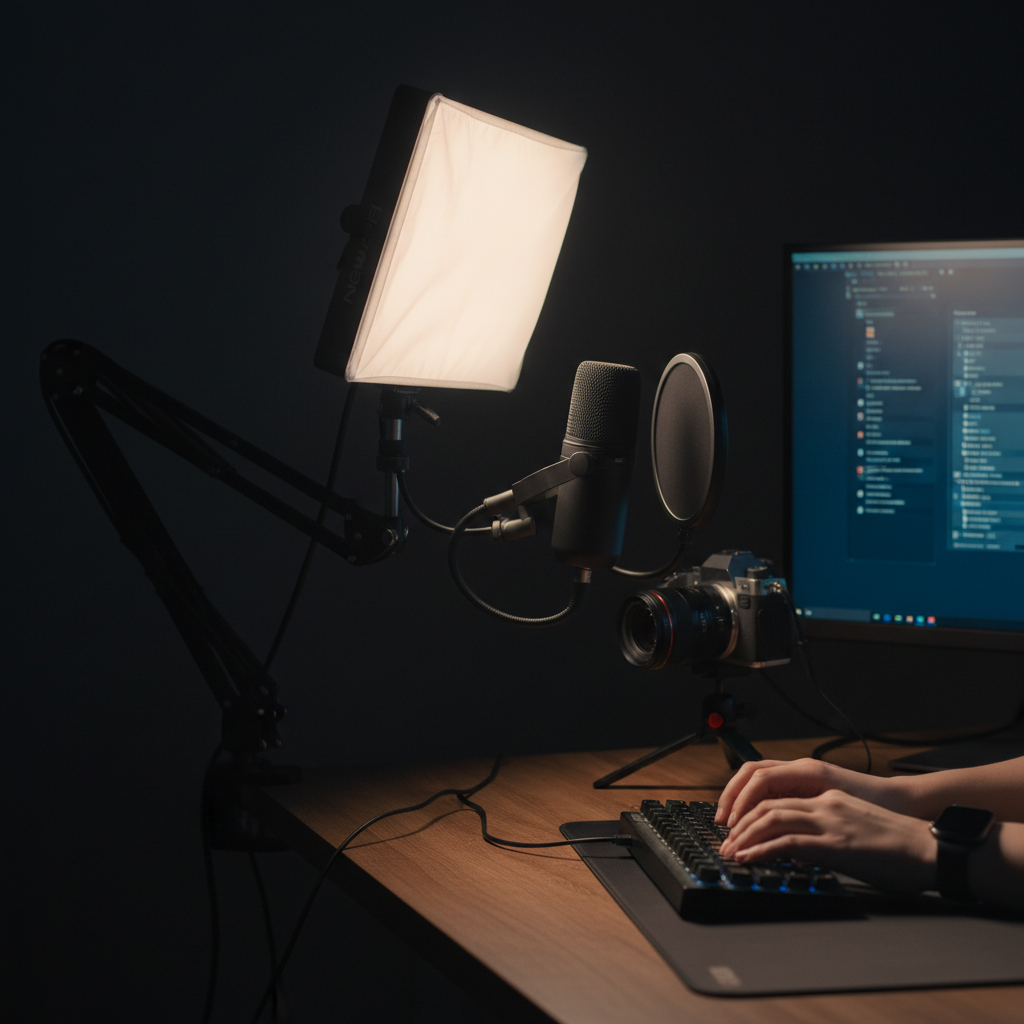
A key light positioned slightly above and to the side of your face (at roughly 45 degrees) will do more for your appearance on camera than anything else. You want soft, diffused light — not a bare bulb pointed at your face.
The Elgato Key Light Mini is excellent and integrates with stream deck setups if you go that route later. The Neewer 10" ring light is a cheaper alternative that works well for video calls even if it's not as flexible. Either gets you 90% of the way there.
One key thing: turn off or block the light source behind you. A window behind you will silhouette your face and no camera can fix that. Sit with the window in front of you or to the side.
Camera — What's Worth Buying
The Logitech C920x is still one of the best value webcams you can buy in 2026. It shoots 1080p at 30fps, has a decent built-in mic, and works out of the box on every platform. No drivers, no fuss. For most people this is all they need.
If you want to step up, the Insta360 Link 2 has AI-powered auto-framing that keeps you centred even when you move around — genuinely useful if you're presenting or doing demos. It was reviewed recently on the channel and it's impressive for the price.
📐 Camera position tip: Your webcam should be at eye level or just slightly above — never below your chin. Use a monitor arm, a stack of books, or a dedicated stand. This single change makes more difference than upgrading your camera.
Background — Free Fix That Most People Ignore
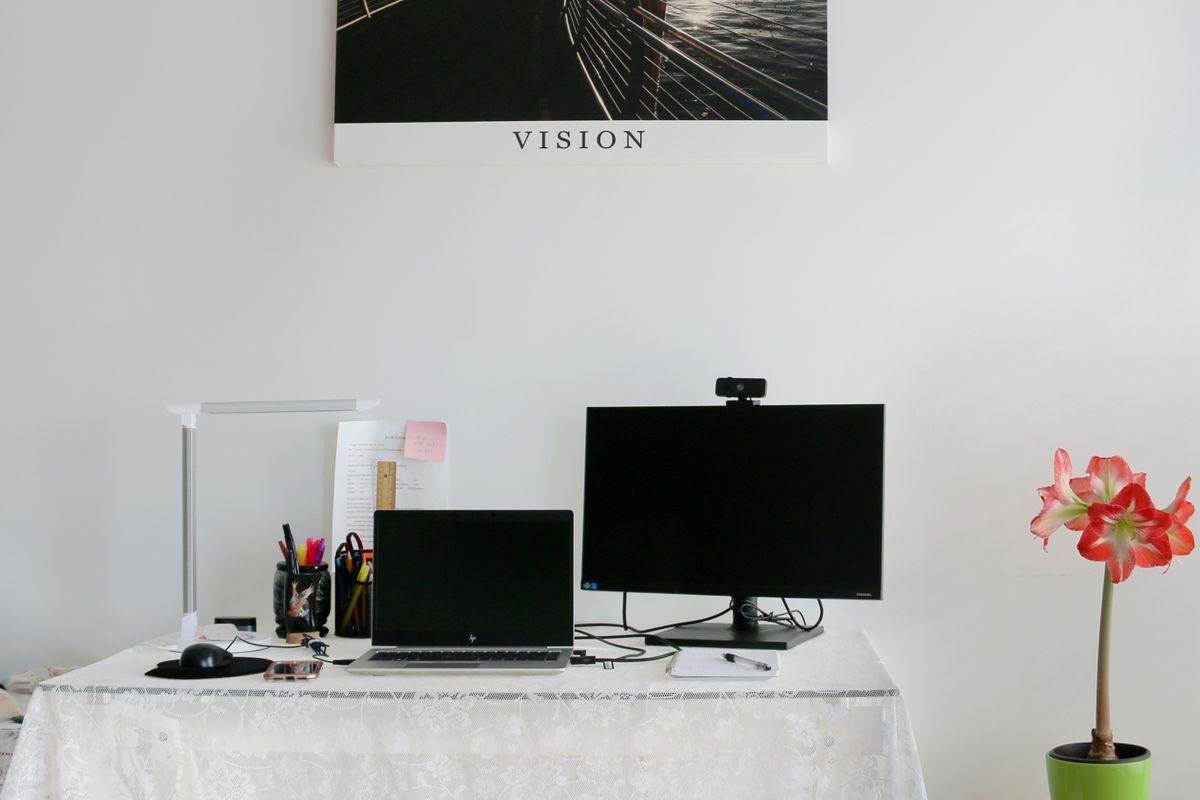
You don't need a ring light and a $300 camera if your background looks like a laundry explosion. Tidy up what's behind you, or use a plain wall. A few books on a shelf and decent lighting beats a virtual background every time — virtual backgrounds still look fake in 2026 unless you have a dedicated green screen.
The Bottom Line
Spend $50-70 on a key light first. That alone will make a bigger difference than any camera upgrade. Then get a decent 1080p webcam and position it at eye level. That's genuinely all you need to look professional on video calls — and you'll do it for well under $200 with money to spare.
Watch the Conference Camera Comparison on YouTube →