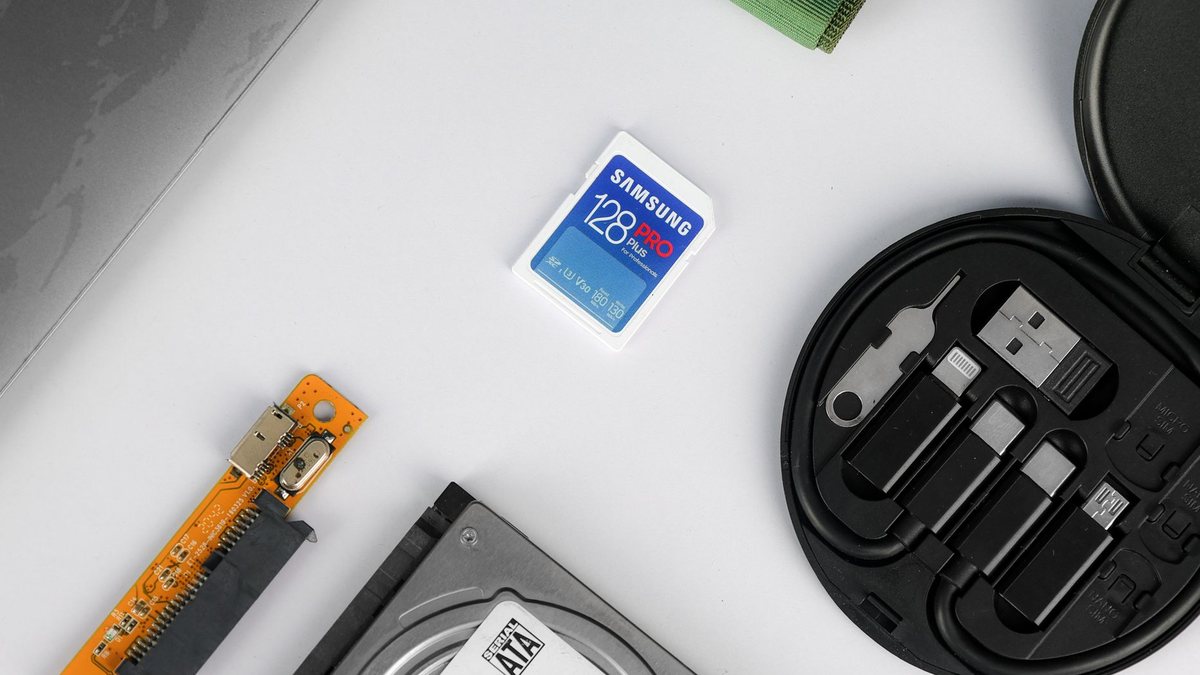
Photo: ALOK DAS via Pexels
V30 vs V60 vs V90: The SD Card an 8K Action Camera Actually Needs
In This Article
Every card on the shelf has a V number on it and almost nobody can say what the number promises. Here is what each class guarantees, what the fine print hides, and the one case where the expensive card is invisible to your camera.
Short answer: which card class you need
Buy the class the camera asks for and not one grade higher, because a card faster than the camera’s bus cannot deliver its extra speed anyway. The class your camera needs is printed in the manual or on the card door, and for most action cameras shooting 4K that means a V30 card, while 8K recording pushes you up the scale. The V number is a guaranteed minimum sustained write speed, not a peak, and it is the only number on the label that matters for video.
So the practical rule: a card must match or exceed the class symbol the host shows. A faster card is safe, a slower one is not, and a card whose class cannot be used by the camera’s bus is simply money spent for nothing.
What V30, V60 and V90 actually guarantee
The SD Association defines the Video Speed Class family as V6, V10, V30, V60 and V90. Each one guarantees a minimum sustained sequential write speed in megabytes per second, which is the number that keeps a video recording from stopping mid-clip.
| Class | Guaranteed sustained write | Bus it requires | Who it is for |
|---|---|---|---|
| V6 | 6 MB/s | UHS-I or better | Standard HD video |
| V10 | 10 MB/s | UHS-I or better | Full HD, light 4K |
| V30 | 30 MB/s | UHS-I | Most 4K action camera recording |
| V60 | 60 MB/s | UHS-II or UHS-III | High bitrate 4K and 8K |
| V90 | 90 MB/s | UHS-II or UHS-III | Cinema, RAW, very high bitrate |
Read the last column of that table against the second. V30 is specifically a UHS-I bus product. V60 and V90 require UHS-II or UHS-III. That single line explains most of the confusion in this category.
Why V60 and V90 need a different bus
A card can only run as fast as the interface between it and the camera. UHS-I and UHS-II are different interfaces with different pin arrangements, and a UHS-II card in a UHS-I slot falls back to the slower interface. The card still works, the footage still records, and you have paid a premium for a speed the camera physically cannot read.
This is not a theory for a spec sheet. It is the difference between spending fifteen dollars on a card and spending sixty, on a camera that will never ask for more than the fifteen dollar card gives it. If your camera’s slot is UHS-I, then a V60 or V90 card is the single clearest example of wasted money in this hobby.
The class definitions above come from the SD Association’s published speed class overview. Card and camera makers list the interface their slot uses in the specifications, and that is the line to check before buying.
The symbol trap that costs you a full day of footage
There are three overlapping class systems printed on cards: Speed Class (C2, C4, C6, C10), UHS Speed Class (U1, U3) and Video Speed Class (V6 to V90). They are not interchangeable, and mixing symbols that imply the same headline rate does not deliver the write speed you expect. A Class 10 host paired with a U1 card is the classic example: both read as 10 MB/s on the packaging, and the combination does not behave the way either the host or the buyer assumed.
For video, ignore the C and U brackets and read the V number. If a card shows U3 and V30, the V30 is the guarantee being made about sustained video writing. If a card only shows U3, you do not have a video class guarantee at all.
Why your card dies with half the space left
This is the failure nobody warns you about, and it is in the standard itself. Speed Class recording writes only to an unfragmented area of the card, so once the card is full or fragmented, recording can fail to sustain even with plenty of space remaining. Reformatting the card or moving the data off restores the fast area.
That is the real answer to the rider who says the card worked all season and then stopped on day three of a trip. It is usually not a fake card and not a dead camera. It is a card that filled up, got deleted shot by shot, and never got reformatted. Reformatting in the camera is the fix, and doing it the morning a trip starts is cheap insurance.
What to actually buy for an X6, Ace Pro 2 or HERO13
Three steps, in order, and it takes two minutes:
- Find the class and interface the camera specifies. It is in the manual under storage, and most action cameras print it on the card door as well.
- Buy a card that matches or exceeds that class from a retailer you trust. Capacity for a day of 8K is a bigger decision than speed class.
- Reformat in the camera before a trip, and never delete individual clips on the card all season.
Do a rough arithmetic check on bitrate if you want to know whether you are close to the line. An 8K clip recorded at 400 Mbps needs about 50 MB/s of sustained write, which is above the V30 floor of 30 MB/s and inside what V60 guarantees. That calculation is arithmetic, not a claim about any specific camera, but it is the calculation that tells you which column of the table above you live in.
Where riders waste money
Three habits, all common, none of them buying better footage:
- Buying V90 for a UHS-I camera. The slot caps the transfer, so the extra guarantee is unreadable.
- Buying a single huge card instead of two mid-size ones. One card holding everything is one card to lose, and a full card is the exact condition that breaks sustained recording.
- Never reformatting. Free, and it solves more dropped recordings than an upgrade does.
If you are spending on camera gear this season, the card is rarely the bottleneck. Handheld stability, wind noise and a charged spare battery all change your footage more than one class grade of card does. The cold weather battery and fogging fixes matter more on a late-season ride, and the 2026 action camera comparison is the place to spend the money if it is going anywhere.
Frequently Asked Questions
What does the V number on an SD card mean?
It is the Video Speed Class, defined by the SD Association, and it guarantees a minimum sustained sequential write speed in megabytes per second. V30 guarantees 30 MB/s, V60 guarantees 60 MB/s and V90 guarantees 90 MB/s. It describes sustained writing, which is what recording video needs, not the peak burst speed printed in larger type on the package.
Do I need a V60 or V90 card for 8K video?
Only if the camera’s card slot supports UHS-II or UHS-III, because V60 and V90 require that bus. On a UHS-I camera the card falls back to the slower interface and the higher class gains you nothing. Check the interface the slot specifies before spending on the card.
Why does my card stop recording when it still has free space?
Speed Class recording writes only to an unfragmented area of the card, so a full or fragmented card can fail to sustain recording even with space left. Reformatting the card in the camera, or moving the data off it, restores that area. It is the most common cause of a card that suddenly stops mid-trip.
Is a faster card always better?
No. A card must match or exceed the class the host requires, and anything beyond what the bus can carry is unreadable. Matching the camera’s requirement and reformatting regularly gives you a more reliable recording than a more expensive card left unformatted.
Can I mix a Class 10 camera with a U1 card?
Those symbols imply the same headline rate but they are different systems, and the SD Association specifically warns that mixing them does not deliver the expected write speed. For video recording, read the V number rather than the C or U bracket.